

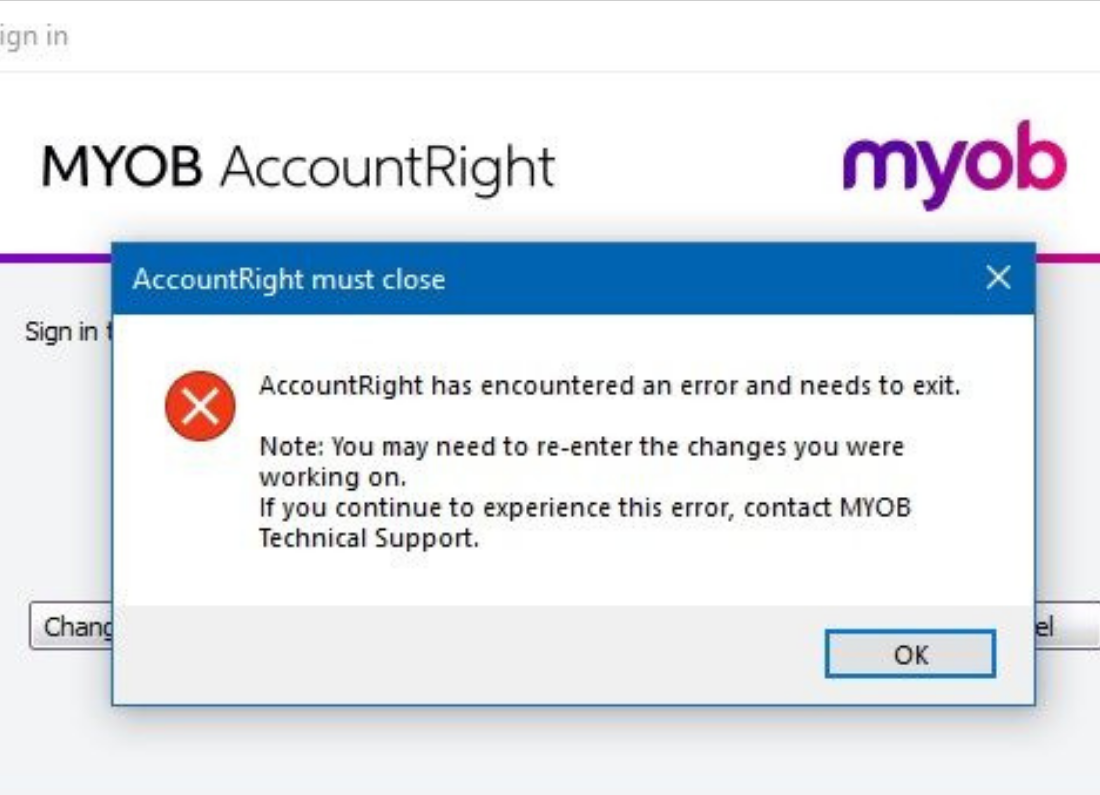
When MYOB Account Right shows Not Responding, my first thought would not be to force it closed immediately.
I have seen programs look completely frozen while they are actually still working on a report, backup, or large transaction in the background. AccountRight can do the same thing, especially with a busy company file.
So if it has only just stopped responding, give it a little time first.
See what it was doing when it froze
This is usually the best clue.
If AccountRight froze while running a large report or backup, I would wait for a short while and avoid clicking the window repeatedly.
If it comes back, save your work and restart AccountRight before continuing.
If it stays frozen, close it and restart the computer.
Then open the same company file again.
Check whether it is AccountRight or the company file
If you have another company file you can safely open, try it.
When AccountRight opens one file normally but freezes every time you open another, I would be more suspicious of that particular company file.
If every company file behaves the same way, the problem is more likely with AccountRight or the computer.
I would not start repairing or deleting a company file without making sure there is a current backup first. With accounting data, protecting the file matters more than trying random fixes.
Check for an AccountRight update
Make sure AccountRight is current.
If you work with an online company file, this matters even more. Install any normal AccountRight update that is available, restart Windows and try again.
I would also check the MYOB service status page if an online file suddenly becomes slow or refuses to open.
If MYOB is having an outage, reinstalling software on your computer is not going to fix it.
Check the internet and other programs
An online company file needs a steady internet connection.
Open a couple of websites and make sure they load normally. If the whole connection seems poor, restart the modem or router before testing AccountRight again.
I would also close programs you are not using, particularly large spreadsheets and browsers with many tabs.
Sometimes AccountRight is not really the problem. The computer is simply doing too much at once
Reinstalling comes later
If AccountRight keeps freezing even after a restart and update, then reinstalling the current version is reasonable.
Back up the company data first, uninstall AccountRight, restart Windows and install it again.
If the program works but one company file still freezes, I would stop there and contact MYOB support rather than experimenting with the file.
That is one place where being cautious is worth it.

Leave a Reply