Skip to content
  • Thursday, 3 September 2026
  • 3:17 pm
  • Follow Us
Geeks Answers
  • Home
  • Categories
    • Outlook
    • Email
    • Printers
    • Windows
    • Security
    • Mac
    • Internet & Wi-Fi
  • Subcategories
  • All Guides
  • Search results
  • About Us
  • Articles
  • Contact Us
  • Home
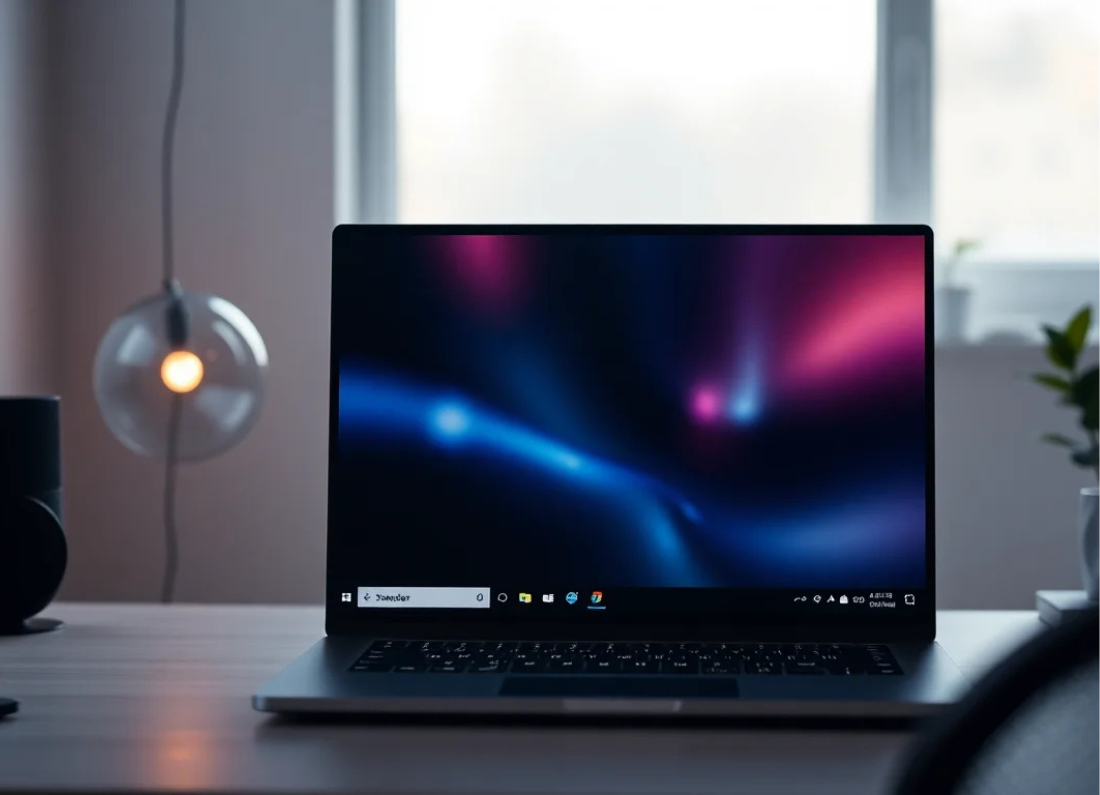
  • My computer taskbar has gone missing, how to fix in Windows 10 and Windows 11
Windows
My computer taskbar has gone missing, how to fix in Windows 10 and Windows 11
Lance May 5, 2026 0

If the taskbar has disappeared from the bottom of your Windows screen, the computer is usually still working normally. The…

Read More

Posts pagination

1 2
Trending News
Mac keeps asking for login keychain password, how to fix?
Aug 24, 2026
Google Chrome keeps crashing on Windows 11, how to fix?
Aug 17, 2026
MYOB Account Right not responding or freezing, how to fix?
Aug 10, 2026
Thunderbird not receiving emails, how to fix?
Aug 3, 2026
Games keep crashing on Windows 11, how to fix?
Jul 30, 2026
Recent Posts
  • Mac keeps asking for login keychain password, how to fix?
  • Google Chrome keeps crashing on Windows 11, how to fix?
  • MYOB Account Right not responding or freezing, how to fix?
  • Thunderbird not receiving emails, how to fix?
  • Games keep crashing on Windows 11, how to fix?
Editor News

Fermentum odio eu feugiat pretium nibh. Dolor sit consectetur adipiscing.

It is a long established fact that a reader will be distracted by the readable content of a page when looking at its layout.

Latest News
Thunderbird not receiving emails, how to fix?
Aug 3, 2026
My gmail.com email address is not working properly in Outlook, how to fix?
Jun 10, 2026
Latest News
Thunderbird not receiving emails, how to fix?
Aug 3, 2026
My gmail.com email address is not working properly in Outlook, how to fix?
Jun 10, 2026
Sign Up For Our Newsletter

Subscribe to our newsletter to get our newest articles instantly!

Copyright © 2026 Geeks Answers All Right Reserved | EditorPress by ThemeArile

  • About Us
  • Privacy Policy
  • Editorial Policy
  • Disclaimer